

Image editor
Change anything by asking.
Describe the edit, remove backgrounds, cut out objects and resize for every placement. Every version is kept.
Free credits to startSee the price before you make itYours to use in ads
Your photoTransparent
Words
Edit by describing
"Make the background a beach."
Versions
Nothing gets lost
Compare and go back.
Sizes
Every placement
Story, feed, banner.
Start from your goal
What are you trying to do?
Pick your goal. Here is exactly how Zuptera gets you there.
A better photo without a reshoot
- Open the photoFrom My Files.
- Describe the fixBrighter, new background.
- Compare versionsKeep the best.
light, background, colour
One image, every size
- Open your imageAny picture.
- Pick sizesStory, square, banner.
- Download allAt once.
story, feed, banner
Clean shots in seconds
- Mark the objectWith the brush.
- Remove itFilled naturally.
- Save the versionReady to use.
clean scenes
How it works
Three steps to your first result
Open an image
Upload or pick from My Files.
Tool Image editor
Quality Standard / Pro
Shape 9:16 · 1:1 · 16:9
Price Shown first
Describe or brush
The change you want.
Save the version
Or download in any size.
Examples
Made with Image editor
Real results from the studio.
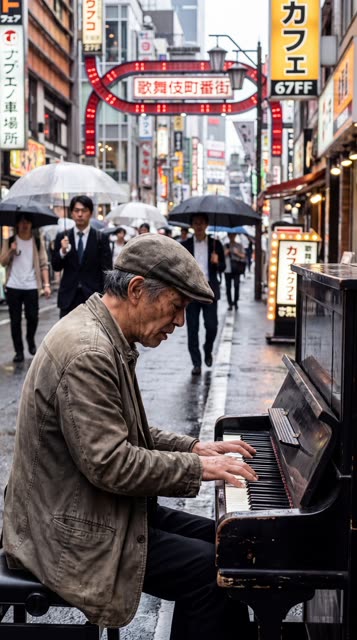
Swap · Product
Swap
Swap
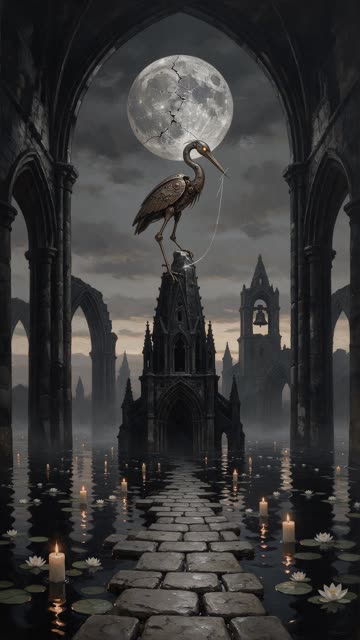
Create
Create
Swap
Questions about Image editor
Do I lose the original?
No. Every version is kept so you can compare and go back.
Can I remove objects?
Yes, brush over them and they are removed.
Can I resize for ads?
Yes, for stories, feeds and banners.